
Seedance 2
Seedance 2
Turn photos into videos, or guide your scene with image, video, and audio references.
Bring your images to life with Veo 4—just upload a photo and describe the motion.
More AI Models
Explore Seedance 2, Veo 3.1, and Sora 2 alongside Veo 4, or create a starting image with Nano Banana Pro—all in Vo4AI.
Turn photos into videos, or guide your scene with image, video, and audio references.
Turn text or a starting image into video, with prompts for the action, camera movement, and sound.
Bring a photo or written idea to life by describing the action, camera movement, and atmosphere.

Create or edit the starting image for your next video, from a character portrait to a product scene.
Core Features
Bring photos to life, guide the motion with references, and edit or extend your videos with Vo4AI.
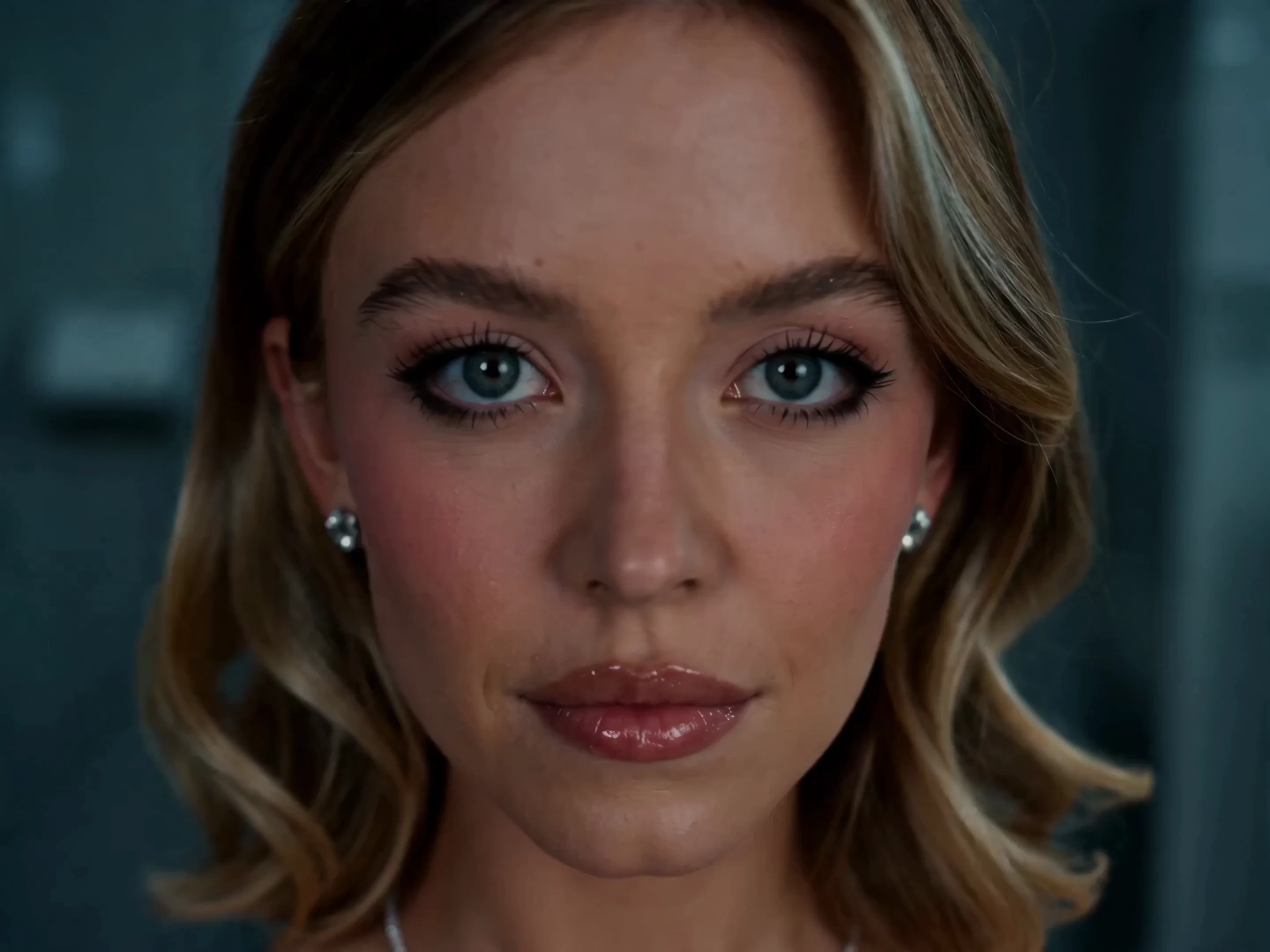
Upload a photo and tell Veo 4 how it should move—from a subtle expression to a sweeping camera shot.
Two women fight in a tiled restroom, splashing water across the floor. Follow their movements with a dynamic camera under cool fluorescent lighting.Animate Your Photo
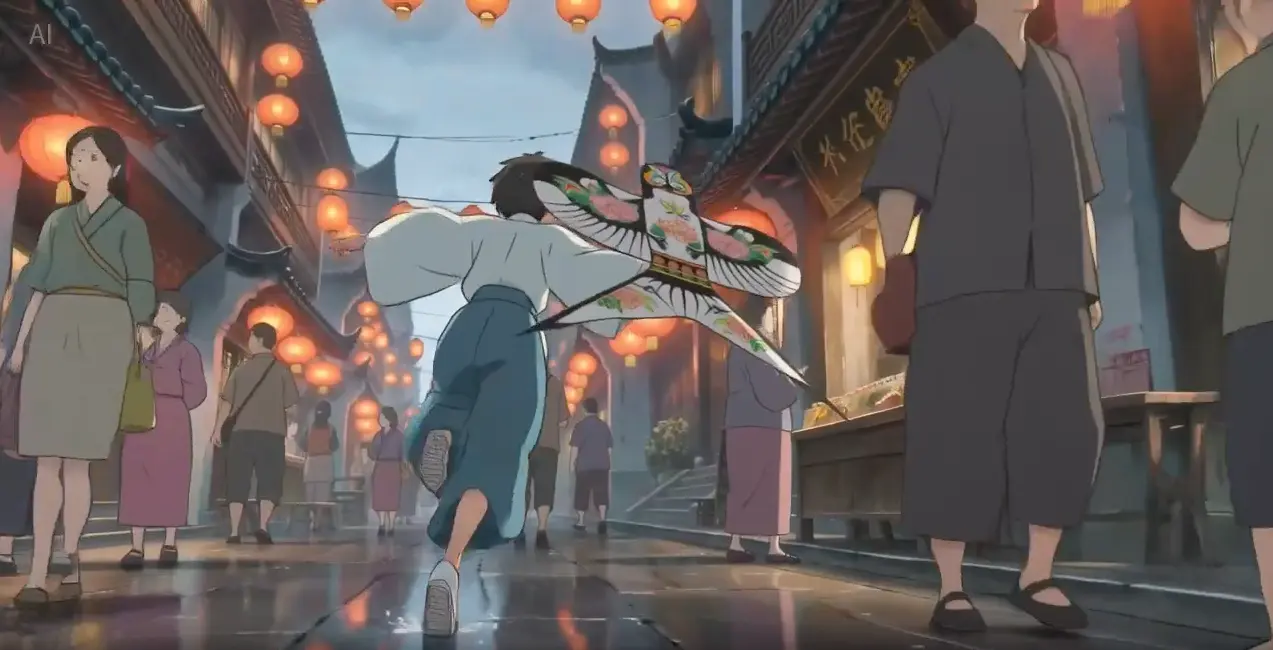
Guide Veo 4 with images, video, and audio references to shape your scene’s look, movement, and sound.
Style reference: a Japanese ink-wash painting. Animate a warrior leaping across snow-dusted rooftops as a fan dances behind him.Create with References
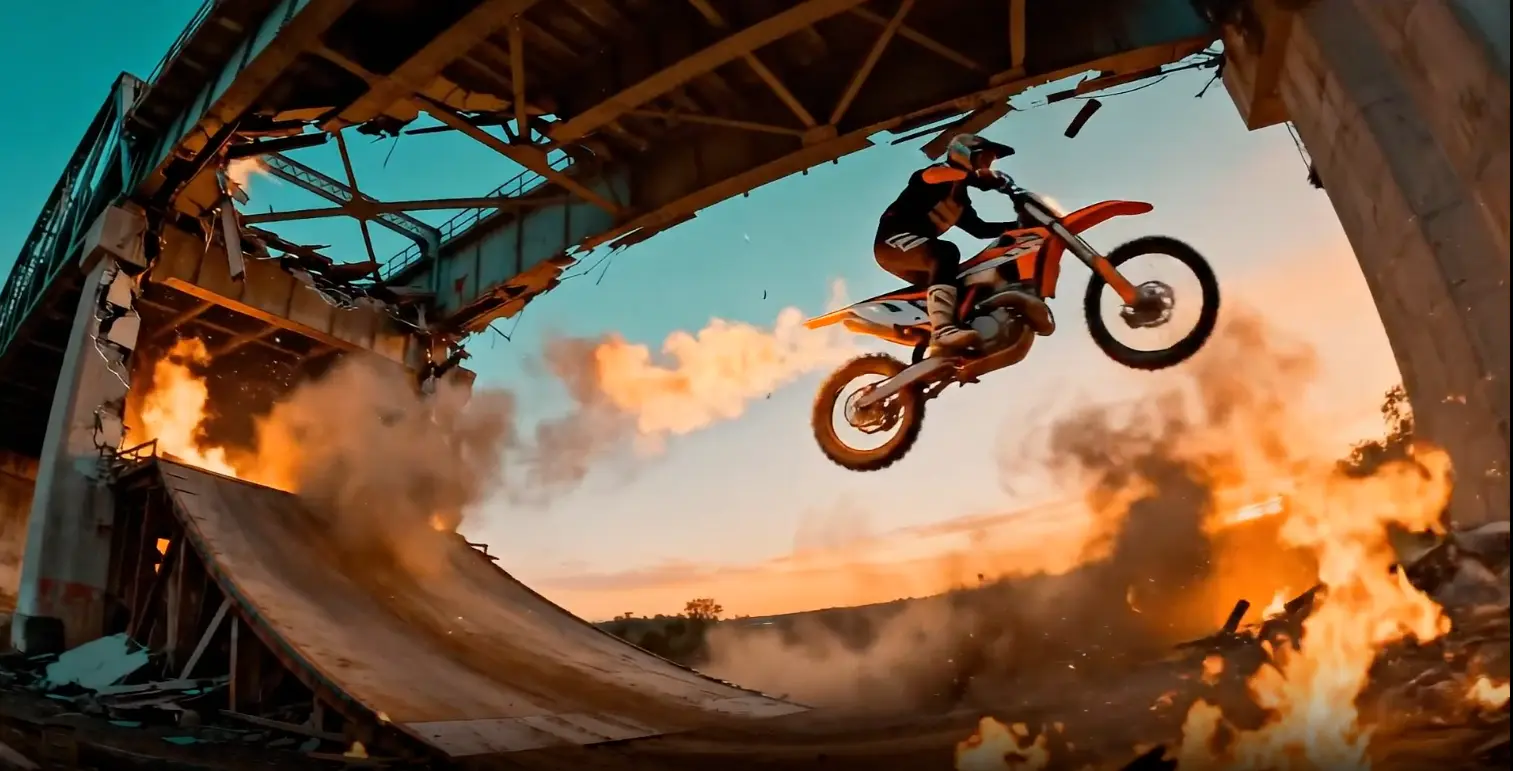
Describe what you want to change or what happens next, and let Veo 4 edit your clip or extend the action.
Source clip: a rider approaching a bridge. Extend it as the bridge collapses in fire and smoke behind him.Edit Your Video
Model Capabilities
Give your photos more room to tell a story with flexible video lengths, multimodal references, and prompt-based editing in Vo4AI.

Turn a photo into a 4–30 second video with Veo 4, giving movements, product details, and story moments time to unfold.
Animate Your Photo
Combine image, video, and audio references in Veo 4. Describe what to borrow from each to shape the scene you have in mind.
Create with References
Upload a video and describe a new setting, different lighting, or another visual style. Use Veo 4 to explore a fresh version of your scene.
Edit Your VideoUse Cases
From storyboard previews to product clips and social posts, bring your ideas to life with Veo 4 in Vo4AI.

Turn a storyboard frame into a scene preview with Veo 4. Explore character movement, camera direction, and mood before planning your next shot.
Animate Your Storyboard
Start with a product photo and use Veo 4 to explore camera moves and animated details for launch videos, ads, and product showcases.
Animate Your Product
Turn portraits, artwork, and everyday photos into short videos with Veo 4. Describe a gesture, a camera move, or a shift in atmosphere to shape your next post.
Animate Your PhotoTestimonials
Discover how creators use Veo 4 to animate photos, edit video styles with prompts, and extend scenes in seconds.
Carlos Méndez
Social Media Creator
"Vo4AI is the most intuitive photo to video ai platform I've used. I just upload a portrait or landscape photo, describe the camera push and character action, and Veo 4 turns it into a high-engagement TikTok clip in seconds."
Michael Torres
Freelance Designer
"Vo4AI's photo to video ai workflow transformed my design services. Uploading client branding photos alongside motion references with Veo 4 keeps the output completely faithful to the original brand style."
Sofia Rossi
Marketing Agency Owner
"We bring static client product photos to life using Veo 4 on Vo4AI. Transforming single packshots into vibrant 1080p promotional videos has cut our agency's commercial turnaround time by 60%."
Kenji Nakamura
Game Developer
"As an indie game creator, using Veo 4 to convert 2D keyframe art into dynamic cutscenes with natural camera pans saved our team weeks of traditional pre-rendered 3D animation."
Alex Rodriguez
Independent Filmmaker
"For cinematic storyboarding, Veo 4 on Vo4AI is unmatched. Turning concept still frames into dynamic shots and extending them forward or backward gives my previz sequences true cinematic continuity."
Maya Patel
Digital Marketing Expert
"What makes Vo4AI irreplaceable is prompt-based editing with Veo 4. I can upload an existing video clip and simply type instructions to adjust lighting, weather, or art direction without starting from scratch."
FAQ
Everything you need to get started with Veo 4 in Vo4AI—from animating photos to editing videos and understanding credits.
Start Creating
Upload a photo, describe the motion, and create your next video with Vo4AI.
Vo4AI is an independent AI image to video generator offering video and image creation tools. It is not affiliated with, endorsed by, or operated by OpenAI or other model providers.